Cart
As a Vantor partner, your cart displays all available orders waiting to be placed. Use the Cart to open and view, modify, or place pending orders.
Orders in the Cart display the order name, the customer name, the order amount, the order type, and the date until which the order is available.
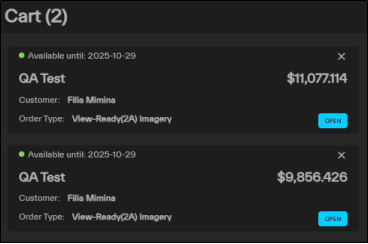
Orders in the Cart.
-
Select Cart. The Cart panel opens. All pending orders display in the cart.
-
Next to any order, select Open.
The order opens to the Review step of the Order wizard (for archive orders) or the Summary step of the WorldView Tasking wizard (for tasking orders).
To discard a pending order, select Discard Order
 .
. -
Review each section. The pricing for the order displays at the bottom of the panel. If you need to make any changes, you can select any section from the navigation at the top of the wizard.
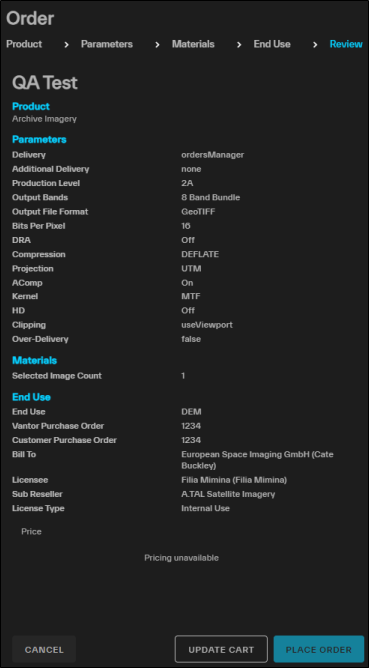
The Review step of the wizard.
-
Do one of the following:
-
Place the Order Select Place Order.
-
Add the Order to the Cart to Place Later
-